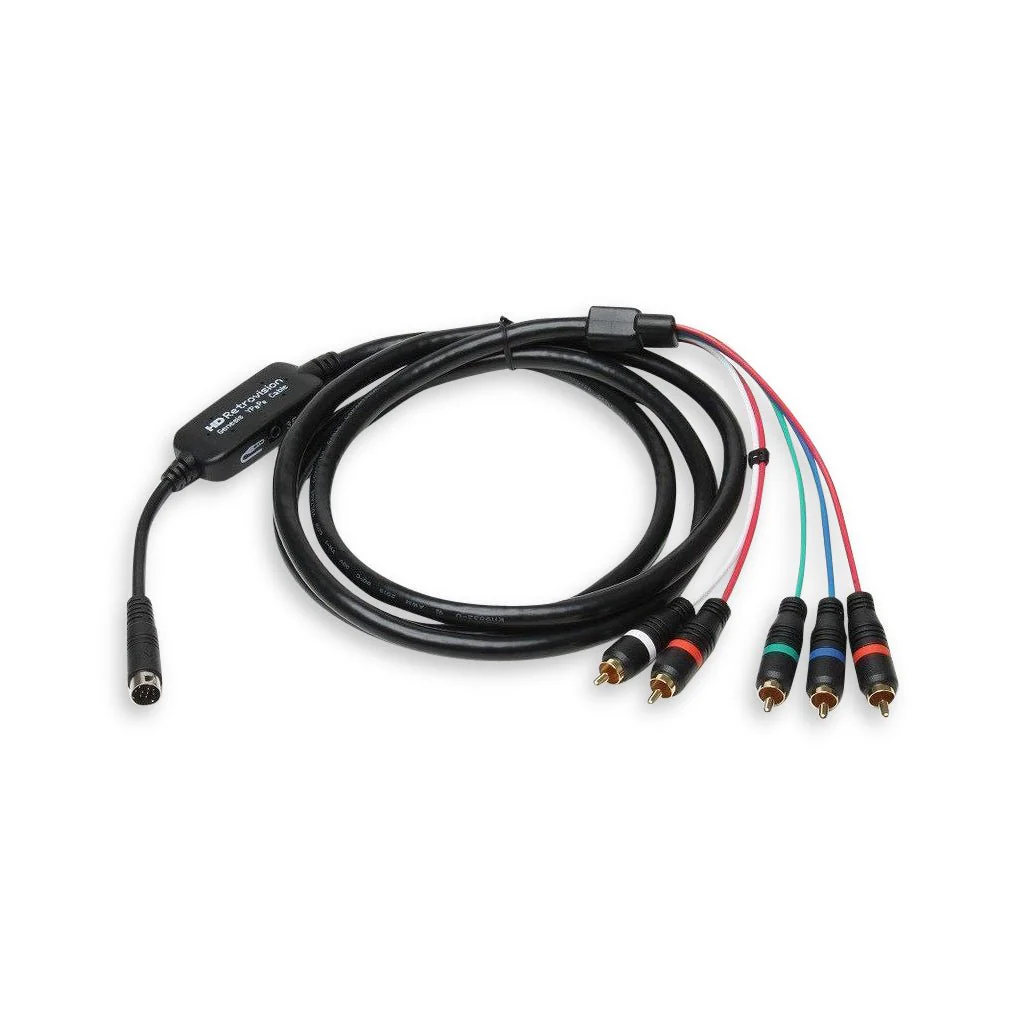
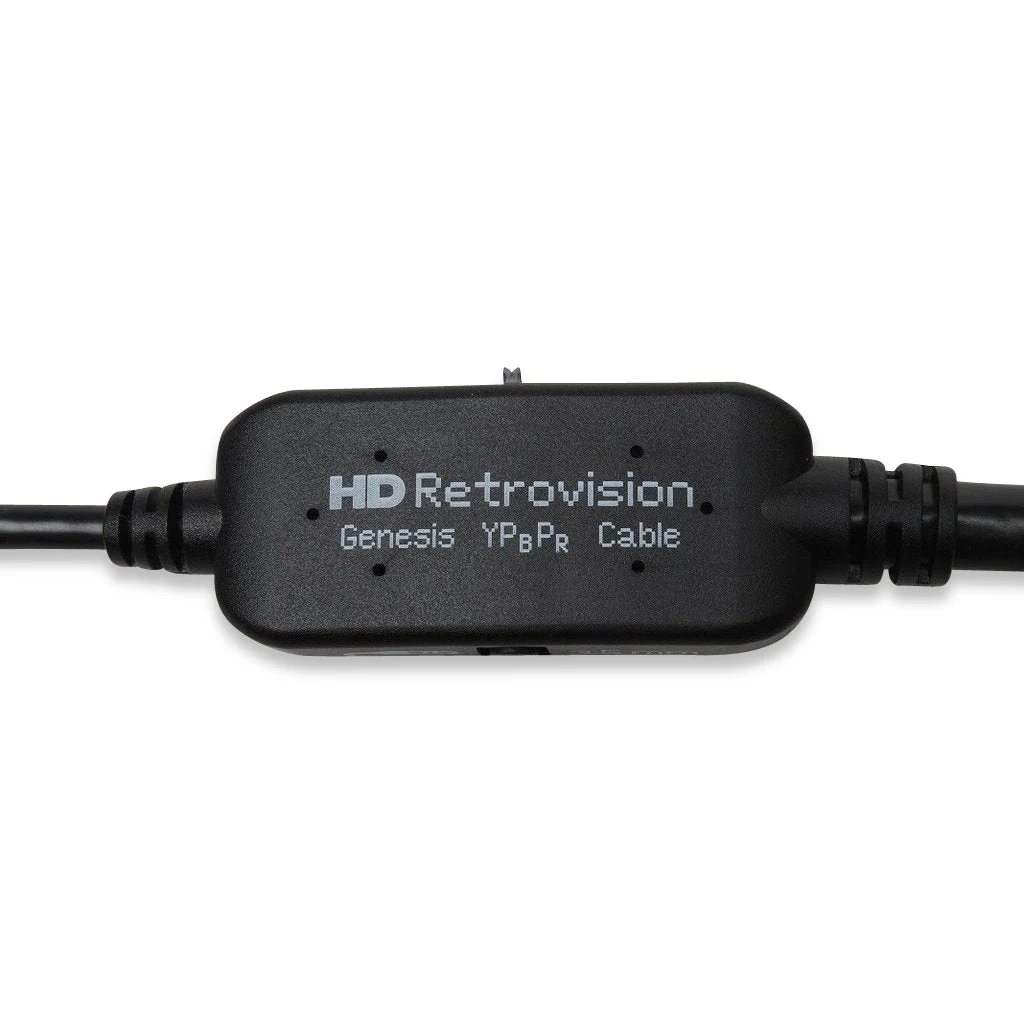
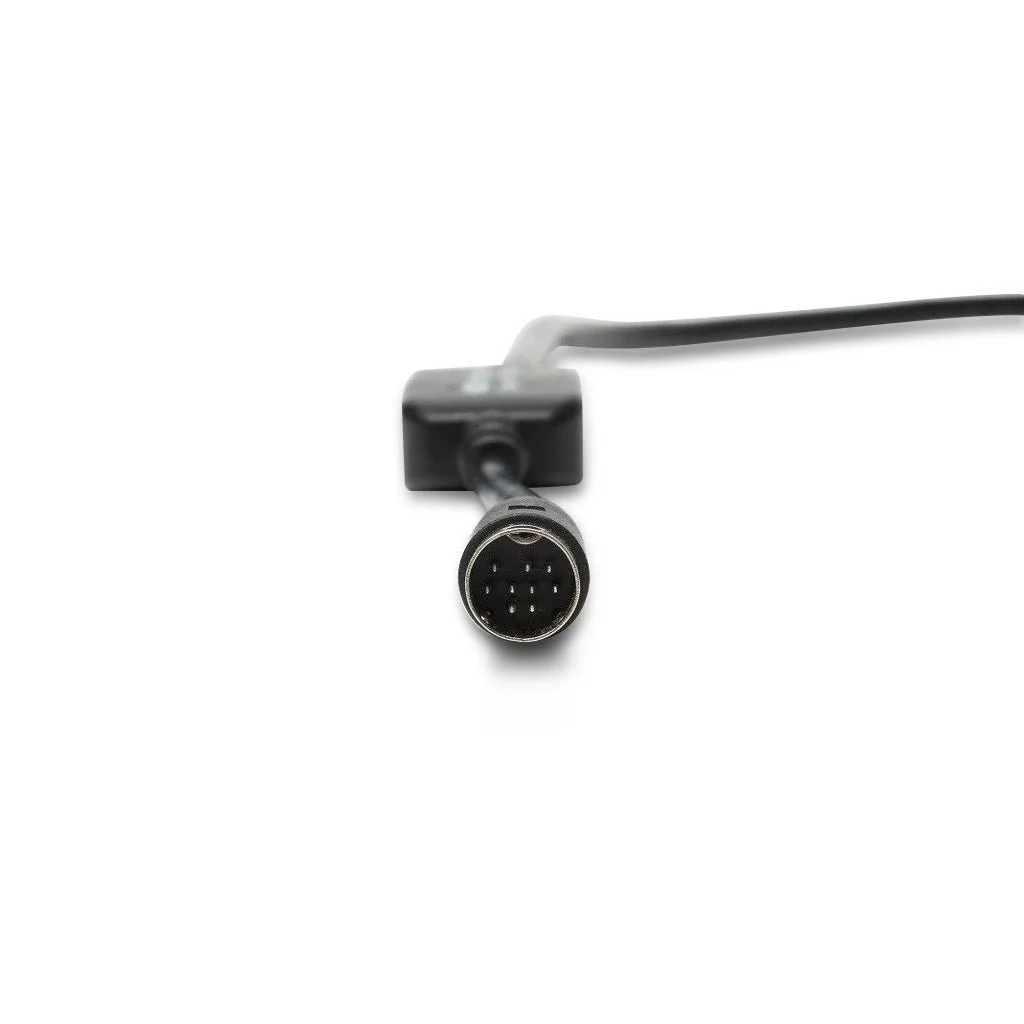
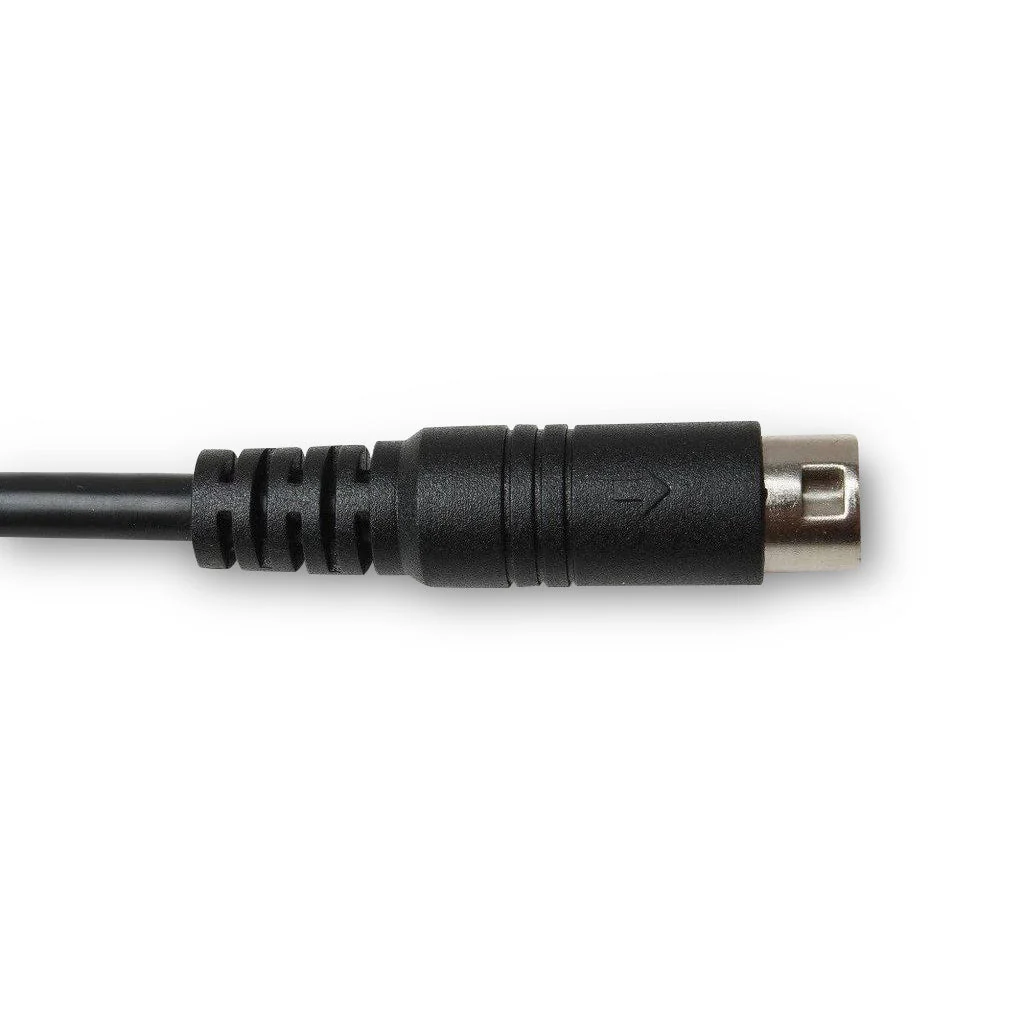
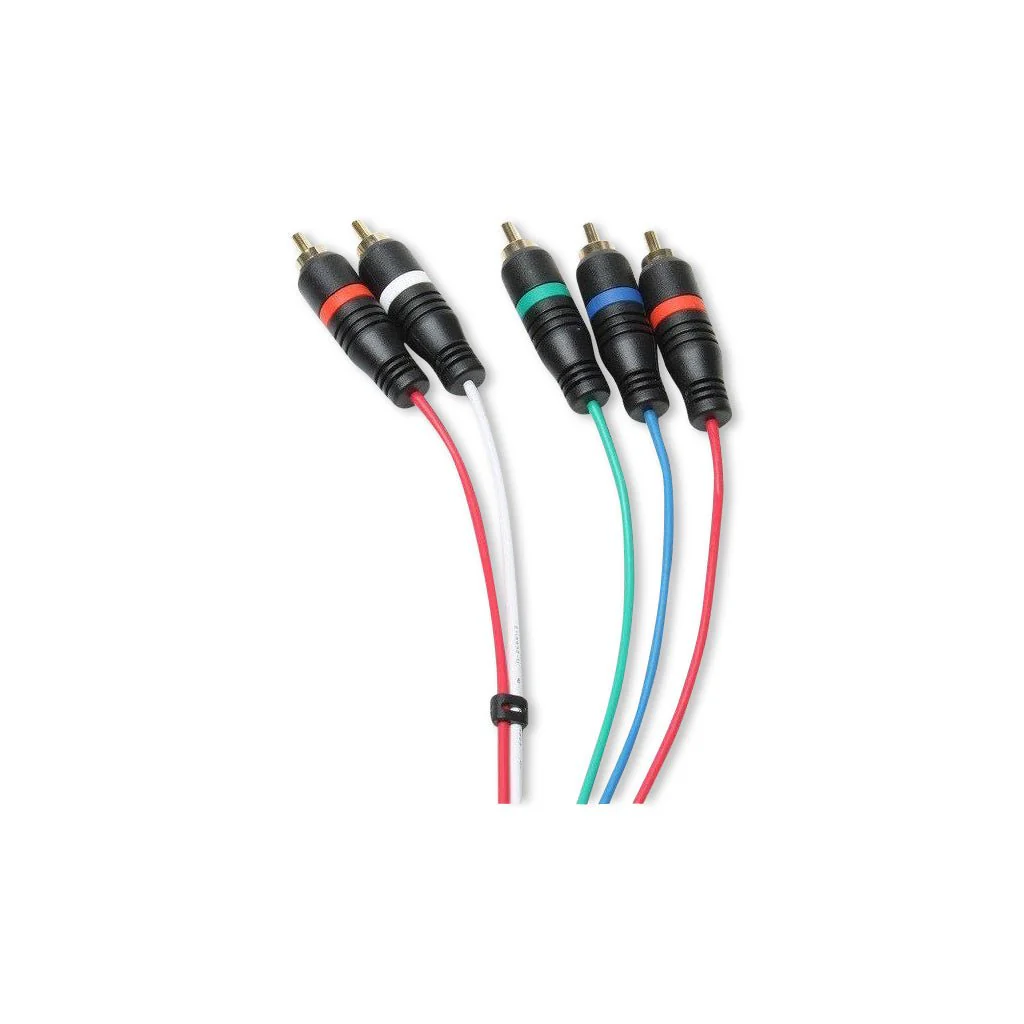
HD Retrovision Genesis YPbPr Component Cable
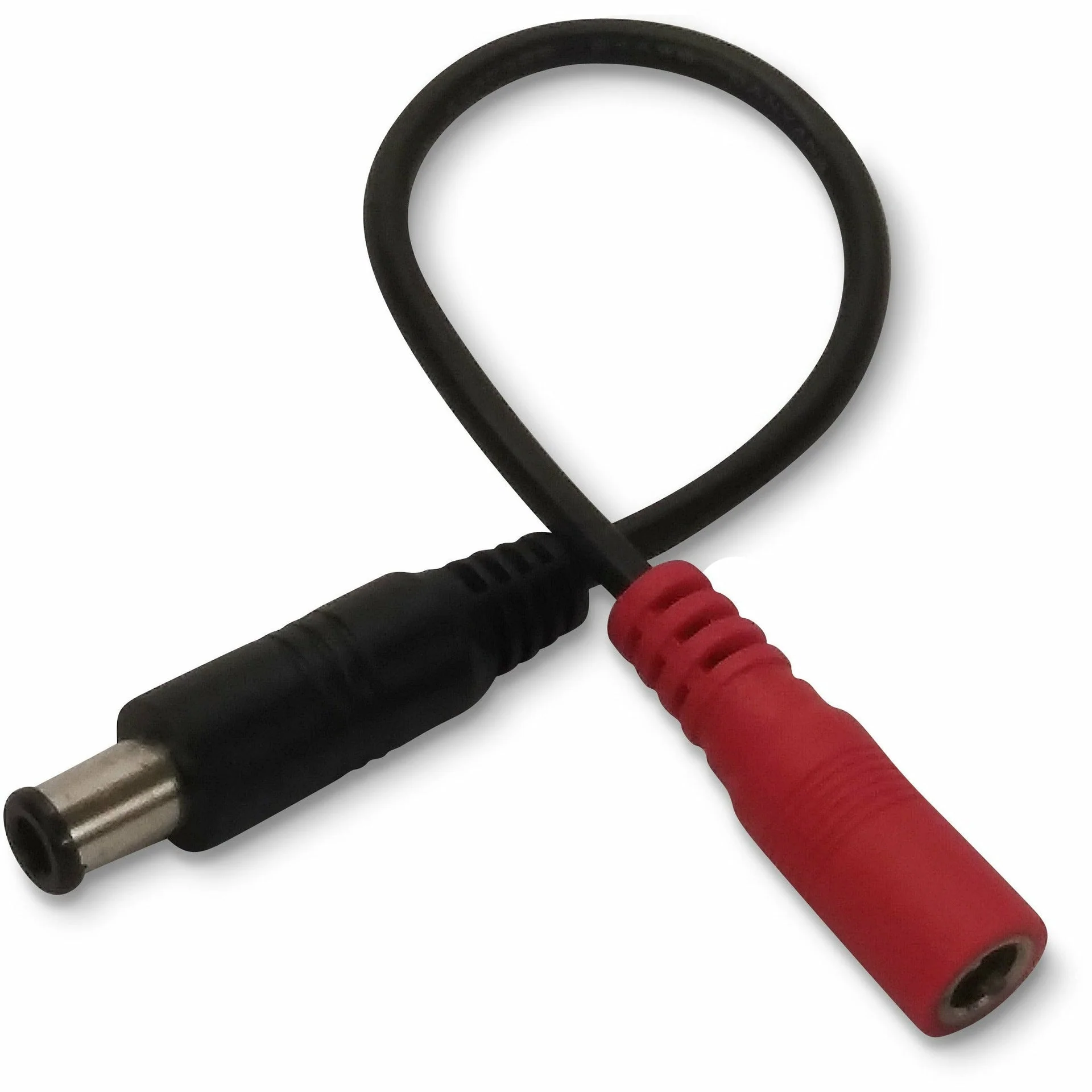
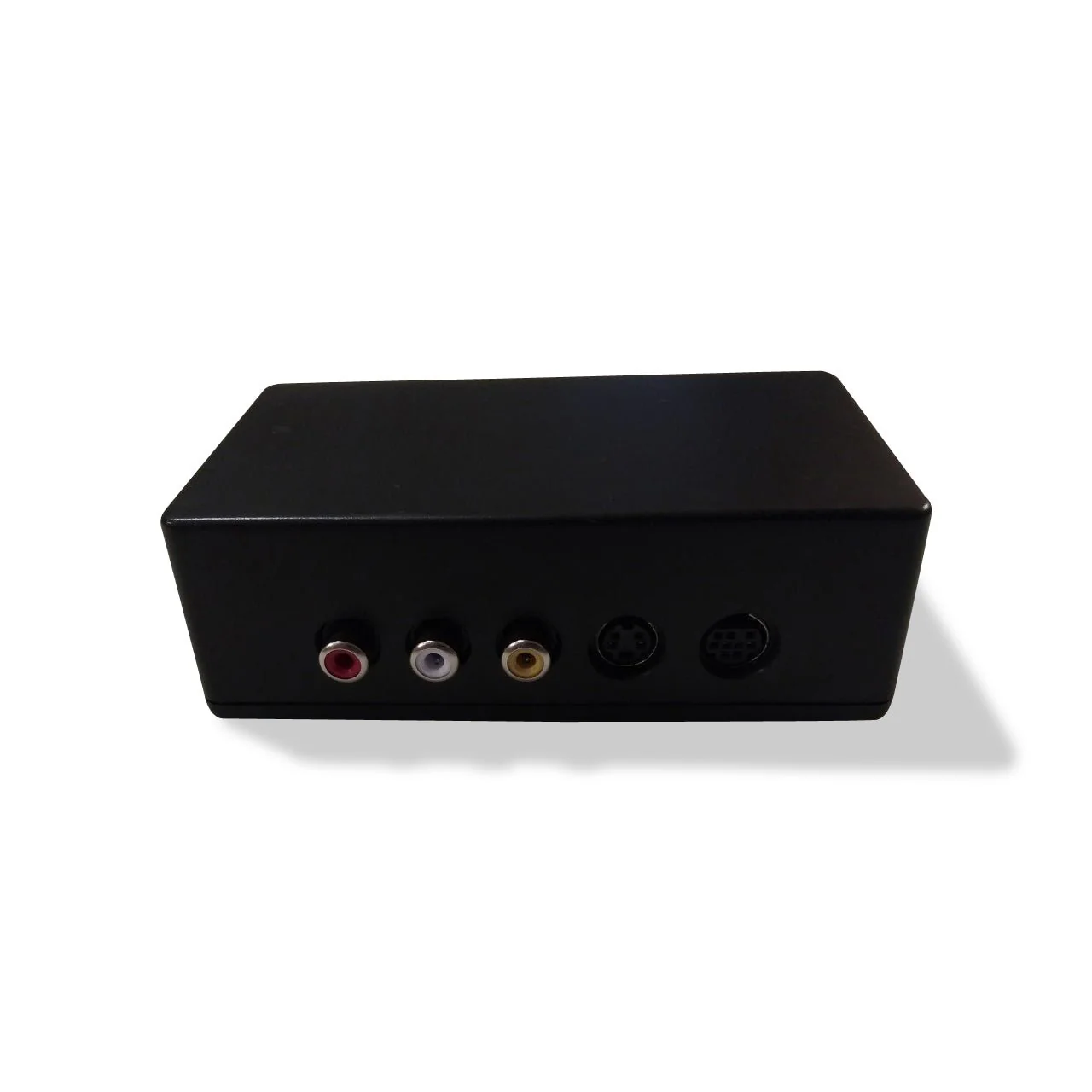
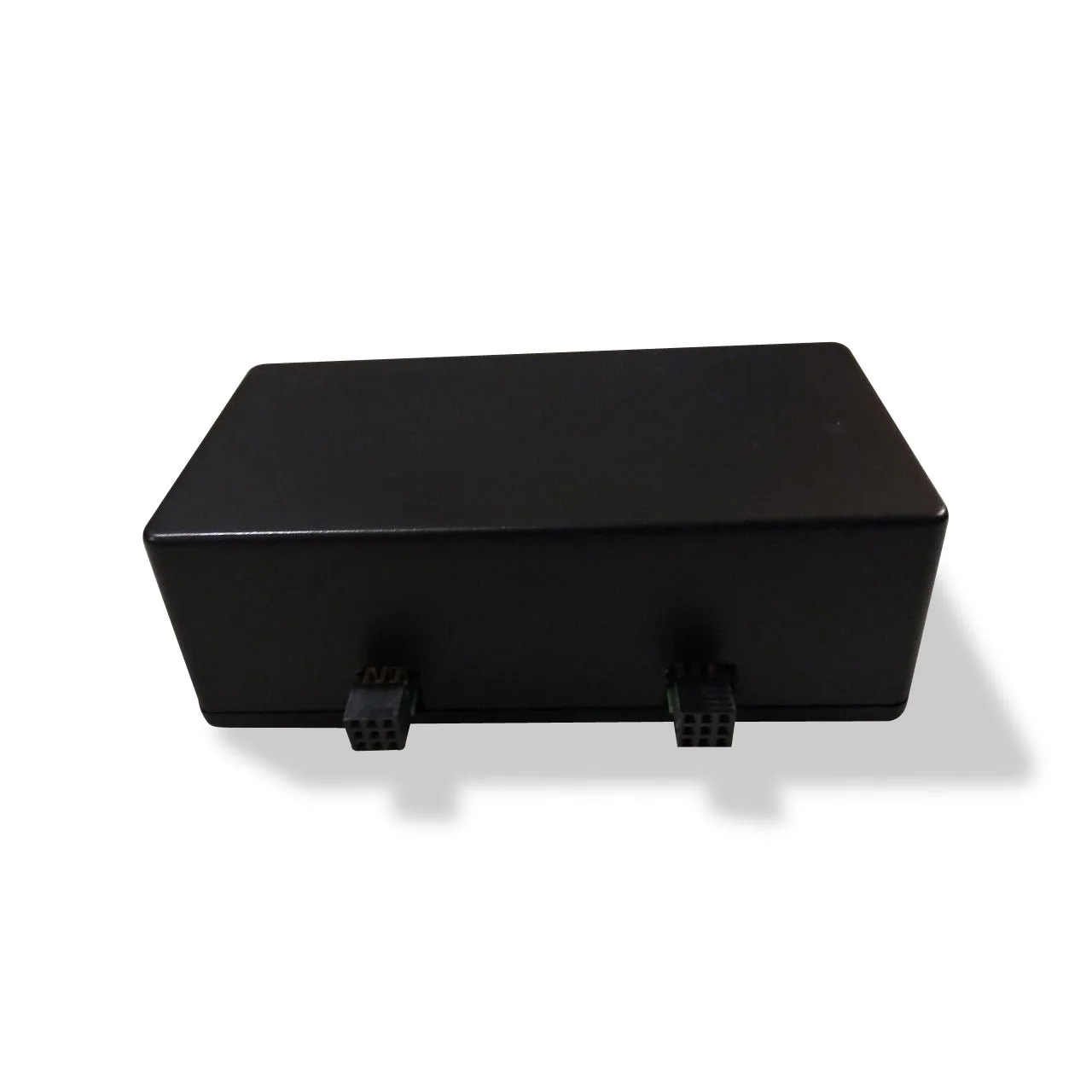
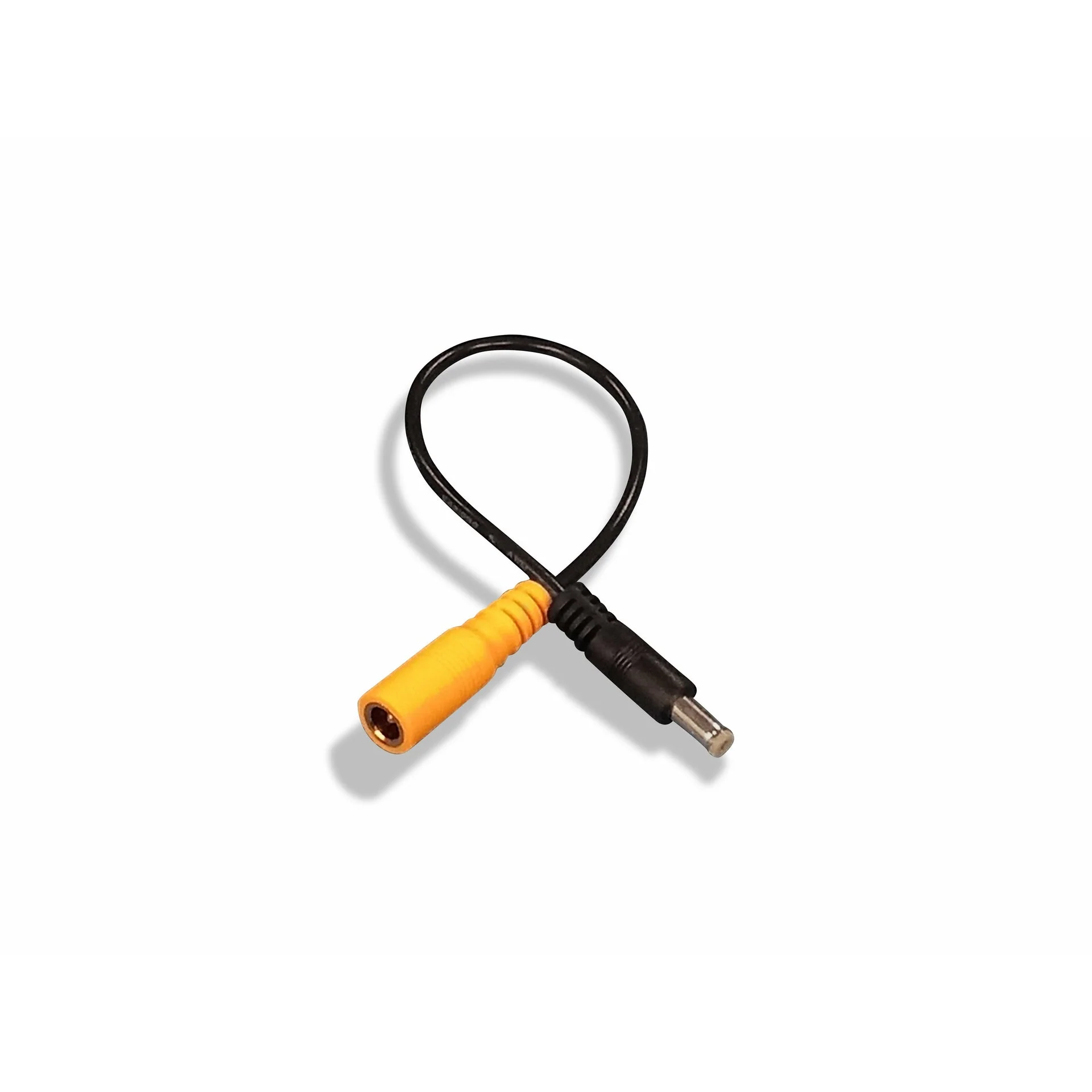
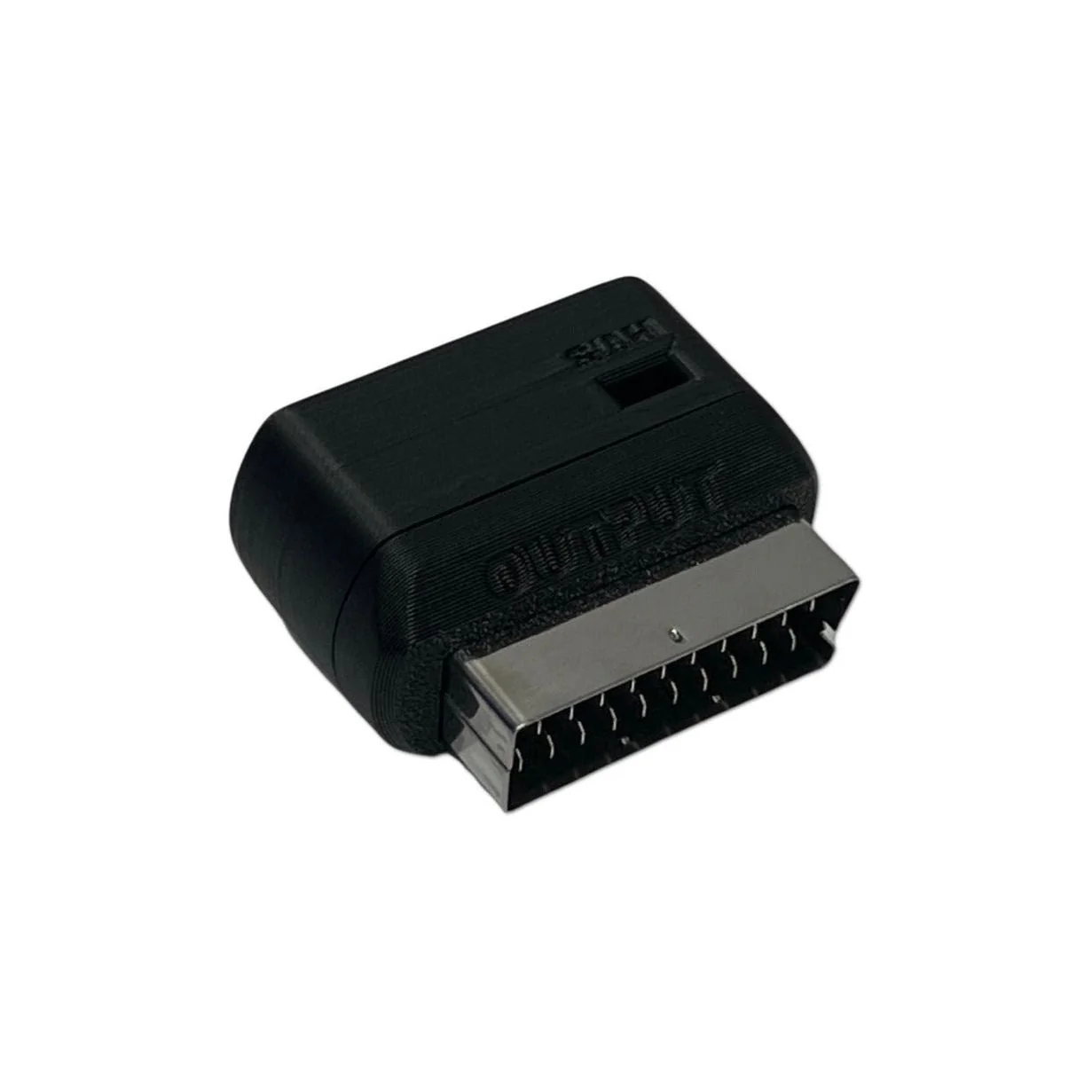
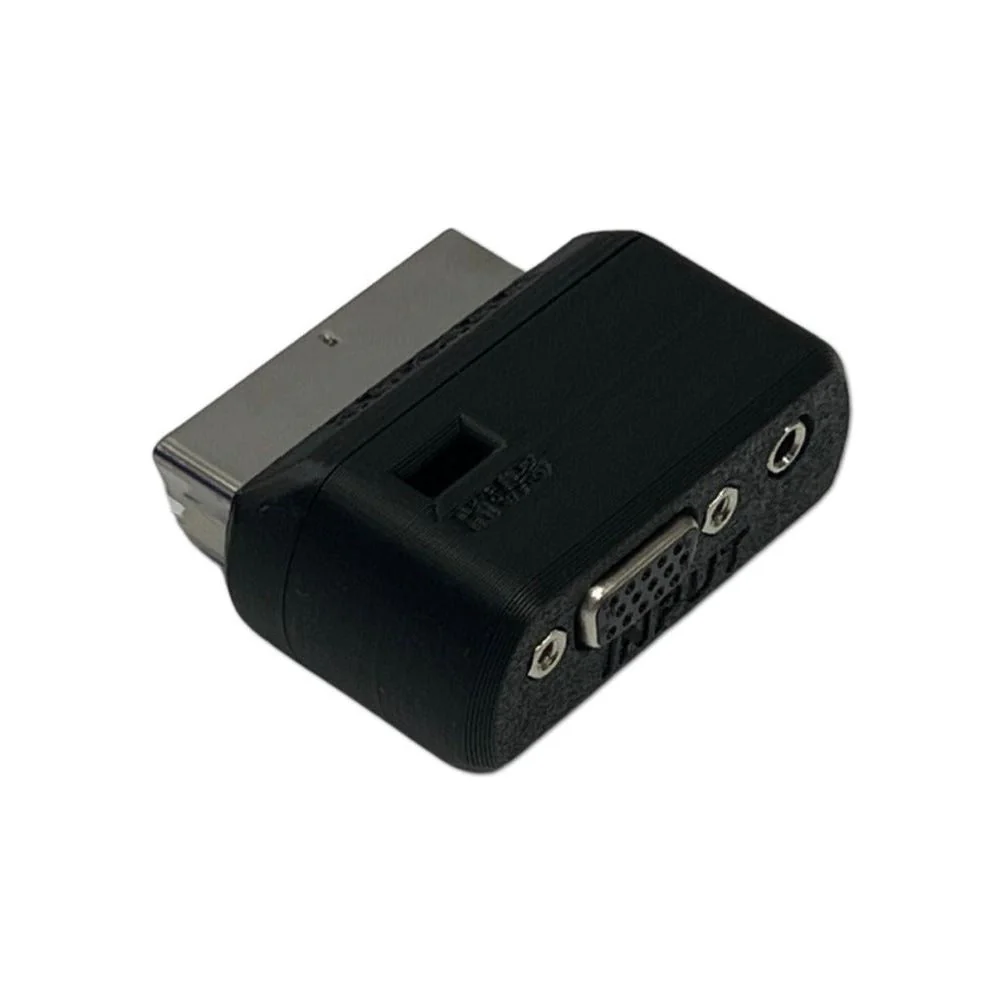
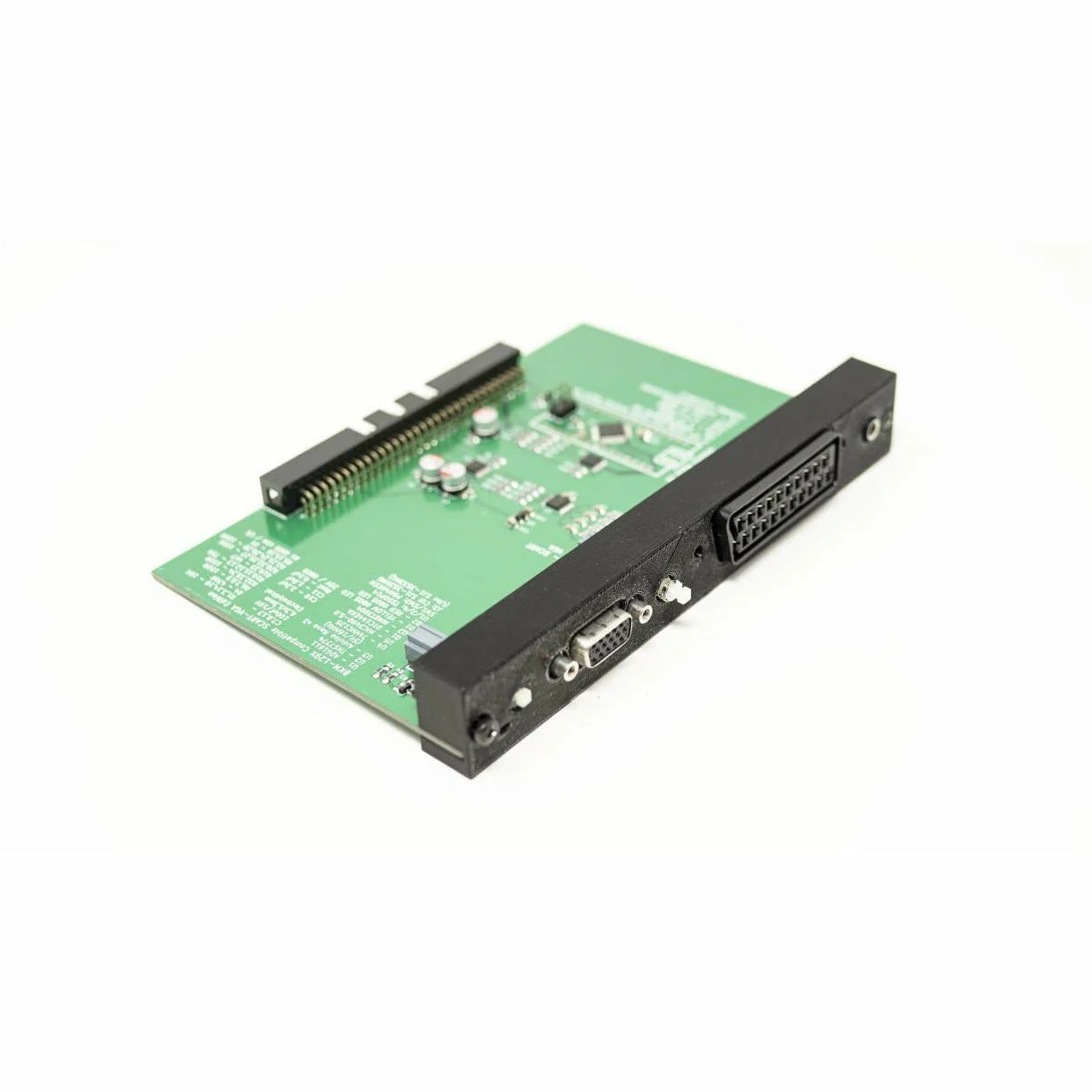
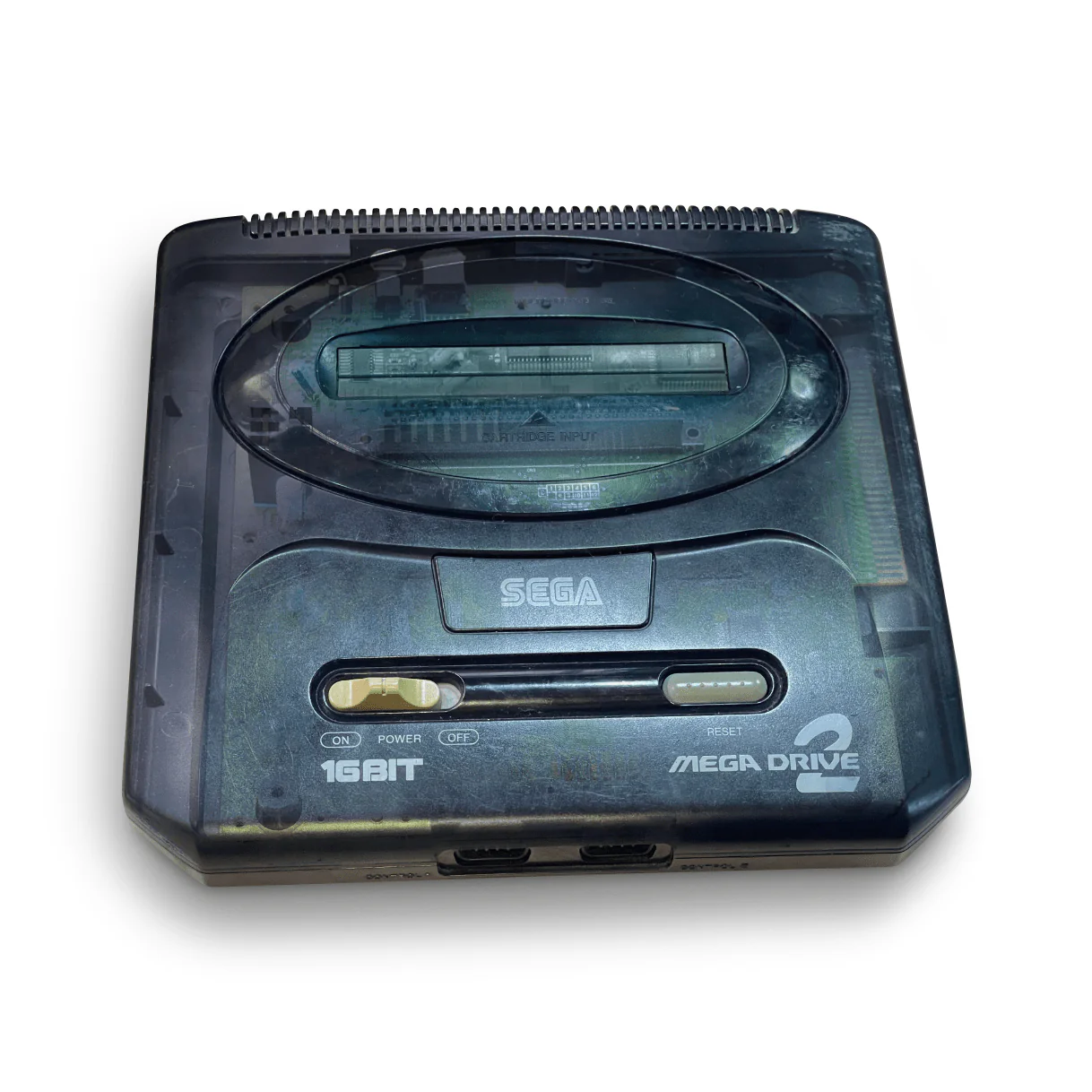
NOTE: If you have a Model 1 Genesis or Master System, you require an adapter to use this cable. That adapter is available for purchase separately
Genesis 3 owners: The Genesis 3 only outputs mono audio through the left channel, so it can be a bit tricky to hook up using the Genesis YPbPr cable. Leave the red (right) audio cable on the YPbPr cable disconnected, then take the white (left) audio cable and hook it up to the input of an RCA splitter (Y) cable such as this or this. Use the white and red split on the other end of the splitter to connect into your TV, audio system, or other device. This ensures that you receive the mono audio out of both speaker channels on your equipment.
Your television or display must be able to support "240p" video over YPbPr to use this product. Please test your specific equipment using this simple test procedure. This test should be run for each console with which you wish to use with the cables.
Original: $59.99
-65%$59.99
$21.00Product Information
Product Information
Shipping & Returns
Shipping & Returns
Description
NOTE: If you have a Model 1 Genesis or Master System, you require an adapter to use this cable. That adapter is available for purchase separately
Genesis 3 owners: The Genesis 3 only outputs mono audio through the left channel, so it can be a bit tricky to hook up using the Genesis YPbPr cable. Leave the red (right) audio cable on the YPbPr cable disconnected, then take the white (left) audio cable and hook it up to the input of an RCA splitter (Y) cable such as this or this. Use the white and red split on the other end of the splitter to connect into your TV, audio system, or other device. This ensures that you receive the mono audio out of both speaker channels on your equipment.
Your television or display must be able to support "240p" video over YPbPr to use this product. Please test your specific equipment using this simple test procedure. This test should be run for each console with which you wish to use with the cables.